Navigate to School Services → Staff CPD & Training. This section is only visible to users with the School Admin role.
Select a staff member from the list.
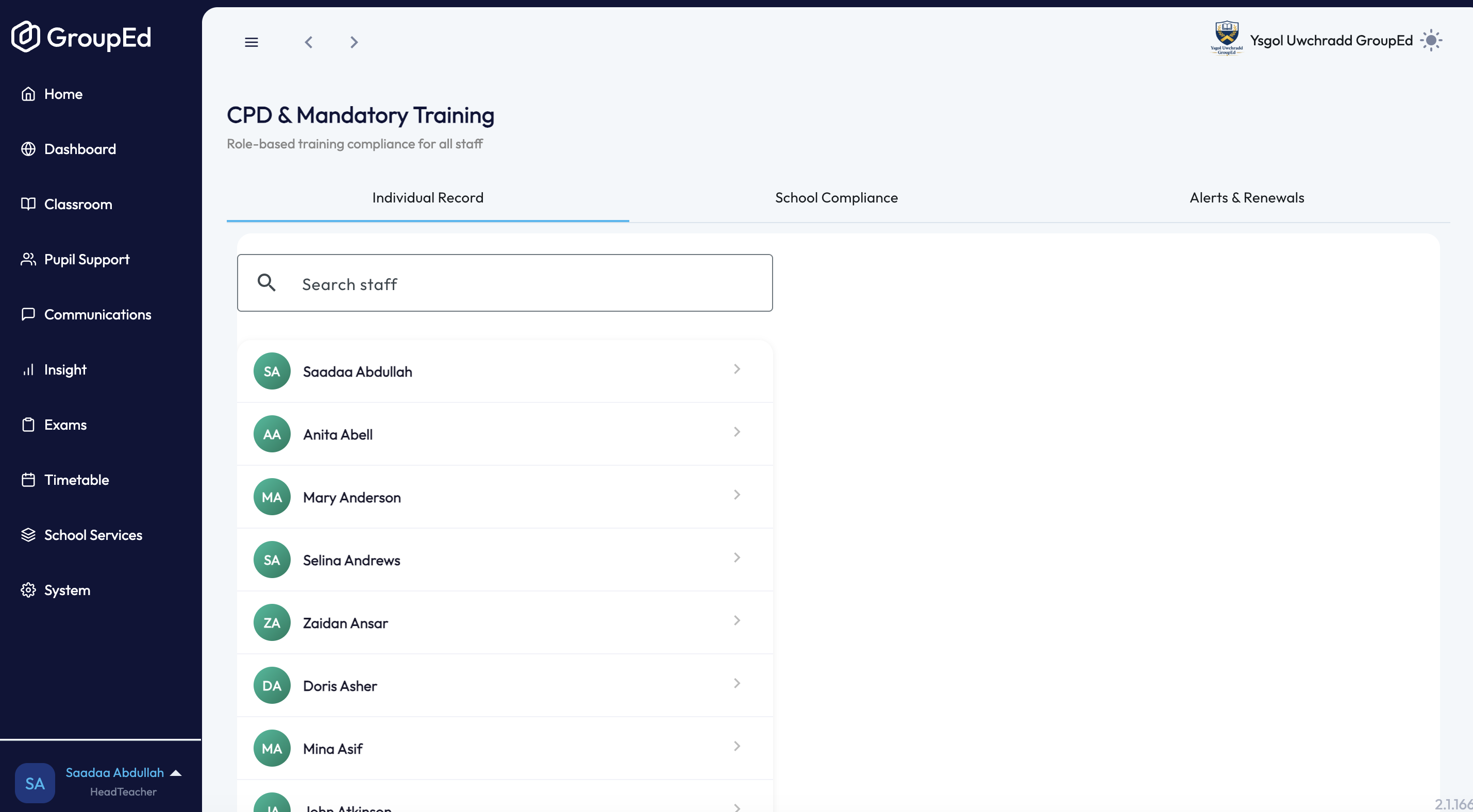
Choose the type of record to add:
Add role training — for training tied to a specific responsibility (e.g. DSL, Deputy DSL, First Aid, Paediatric First Aid, Fire Warden, Mental Health Lead, Prevent Duty, or a custom role). Fields: Role, Training provider / course name, Date completed, Renewal period, and optional Notes.
Add CPD entry — for general training and development activity not tied to a specific role. Fields: Course / training title, Provider, Date completed, Hours, and optional Notes / reflection.
Fill in the relevant fields and click Save. The record is added to the staff member's CPD log.
Was this article helpful?
That’s Great!
Thank you for your feedback
Sorry! We couldn't be helpful
Thank you for your feedback
Feedback sent
We appreciate your effort and will try to fix the article