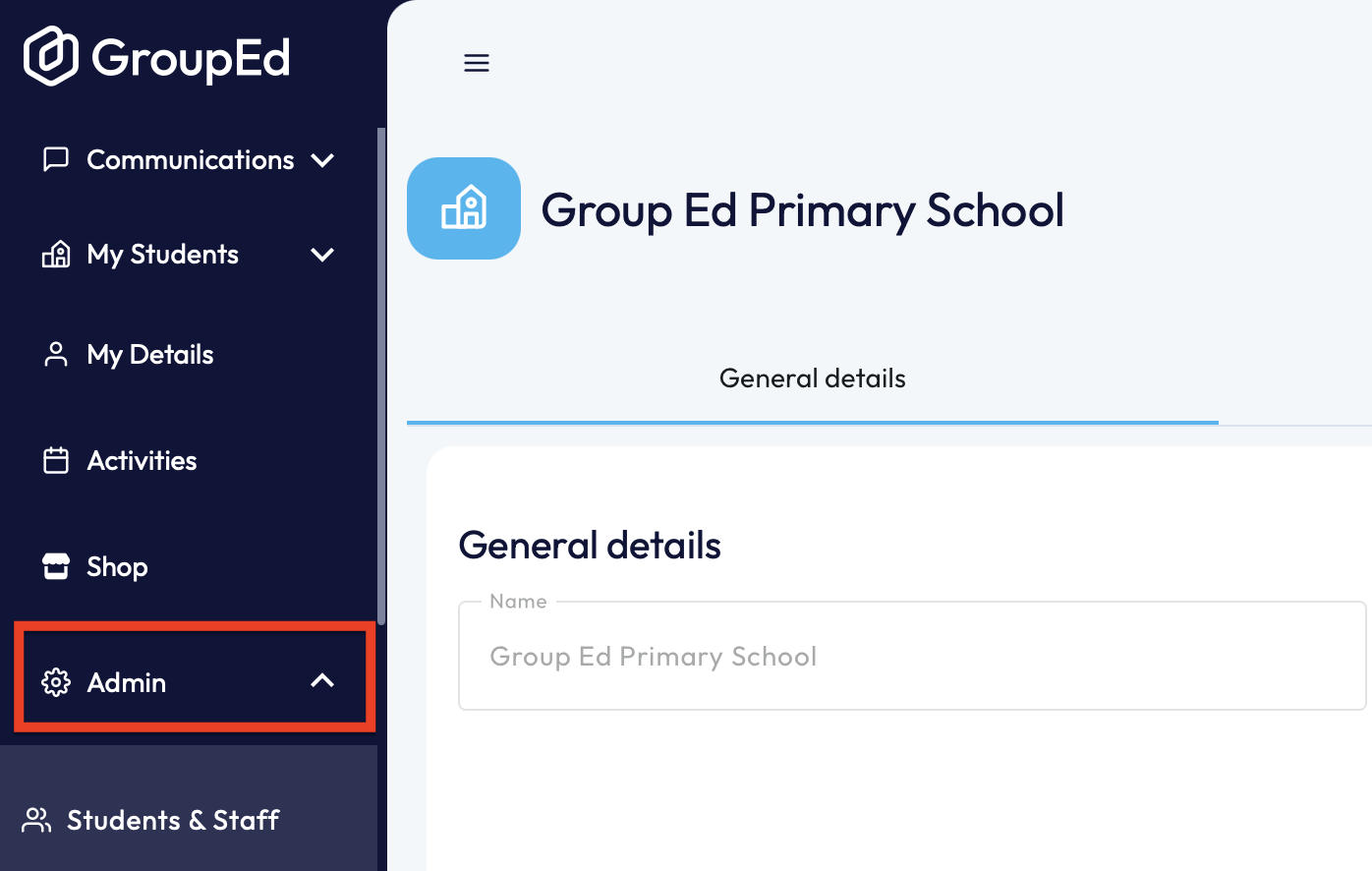
1. First you'll need to locate the staff member in question. You can do this by navigating to the 'Students & Staff' section under the 'Admin' drop down.
2. You now need to search the staff section by selecting on the 'Staff' heading:

You can either scroll through the list of staff or use the search function to locate the account.
3. Once you have located the staff member in question, you can click into their account.
4. Scroll down the page you'll be able to see their 'Email'. You can edit this by clicking on the 'Paper and Pencil' icon. 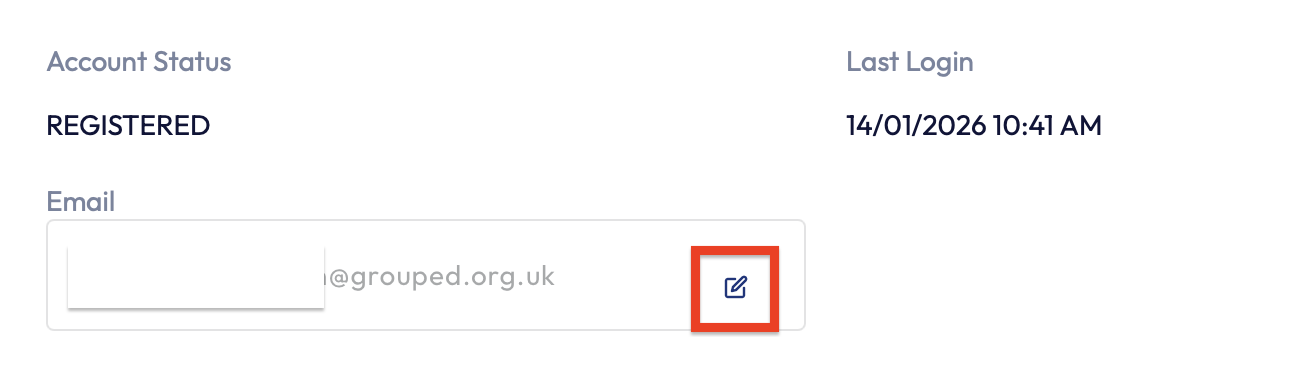
5. When the email address has been updated, you'll need to click the the 'Confirm' button for any changes to save.
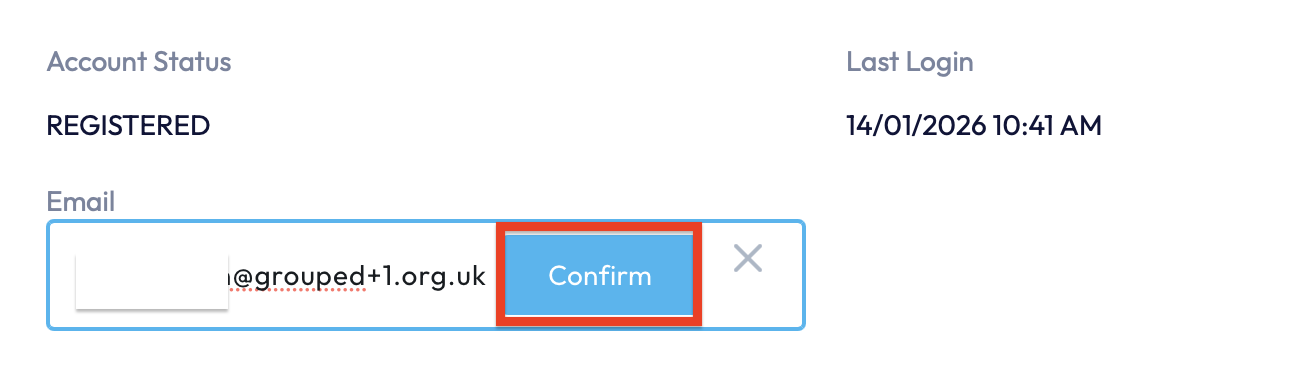
This staff member can now log in with the email address, with the password that they previously set.
If you're having trouble with the previously set password, you can reset this on the sign in page.
Note: If the staff member has not yet registered you'll need to re-invite that Staff Member in order for them to receive a new registration link - instructions on how to invite teachers to GroupEd, can be found HERE.
If you require any further assistance, please contact us by completing this form
Was this article helpful?
That’s Great!
Thank you for your feedback
Sorry! We couldn't be helpful
Thank you for your feedback
Feedback sent
We appreciate your effort and will try to fix the article