GroupEd lets you create detention sessions, add students to them, and then take a register to record whether each student attended. Detention rules can also be set up so that a detention is automatically created when a student receives a negative behaviour record.
Creating a Detention
Navigate to Pupil Support → Detentions.
Click + Create a Detention. A panel slides up from the bottom of the screen.
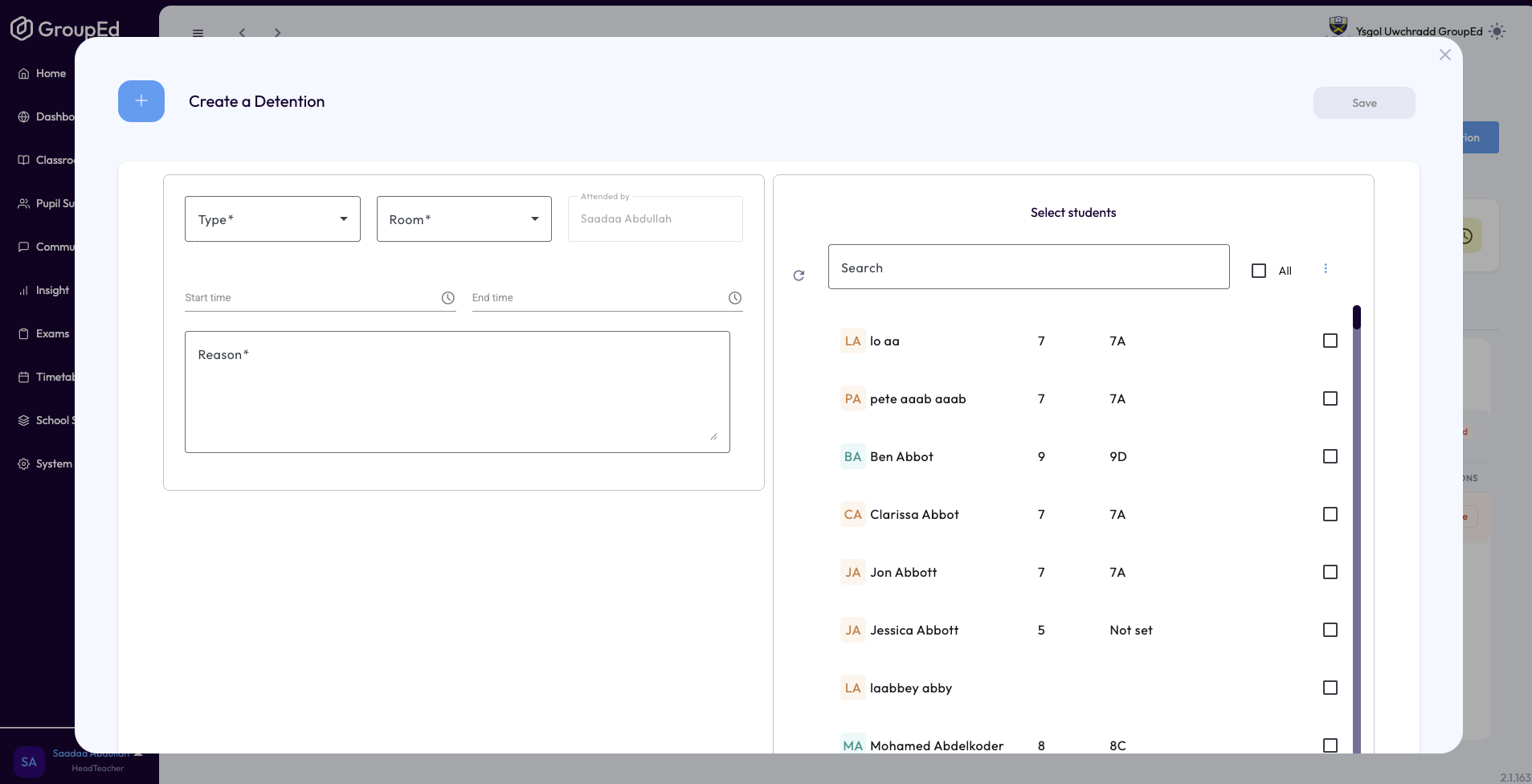
Select a Type from the dropdown, for example After school or Lunchtime.
Select a Room.
Set the Start time and End time using the time pickers.
Enter a Reason for the detention.
Select the students to include by ticking them in the student list.
Click Save. A confirmation message appears: Detention created successfully.
? Detention types and rooms are configured in School Settings. Contact your school administrator if you cannot see the options you need.
Taking the Detention Register
Once a detention has been created, you can take the register when the session takes place.
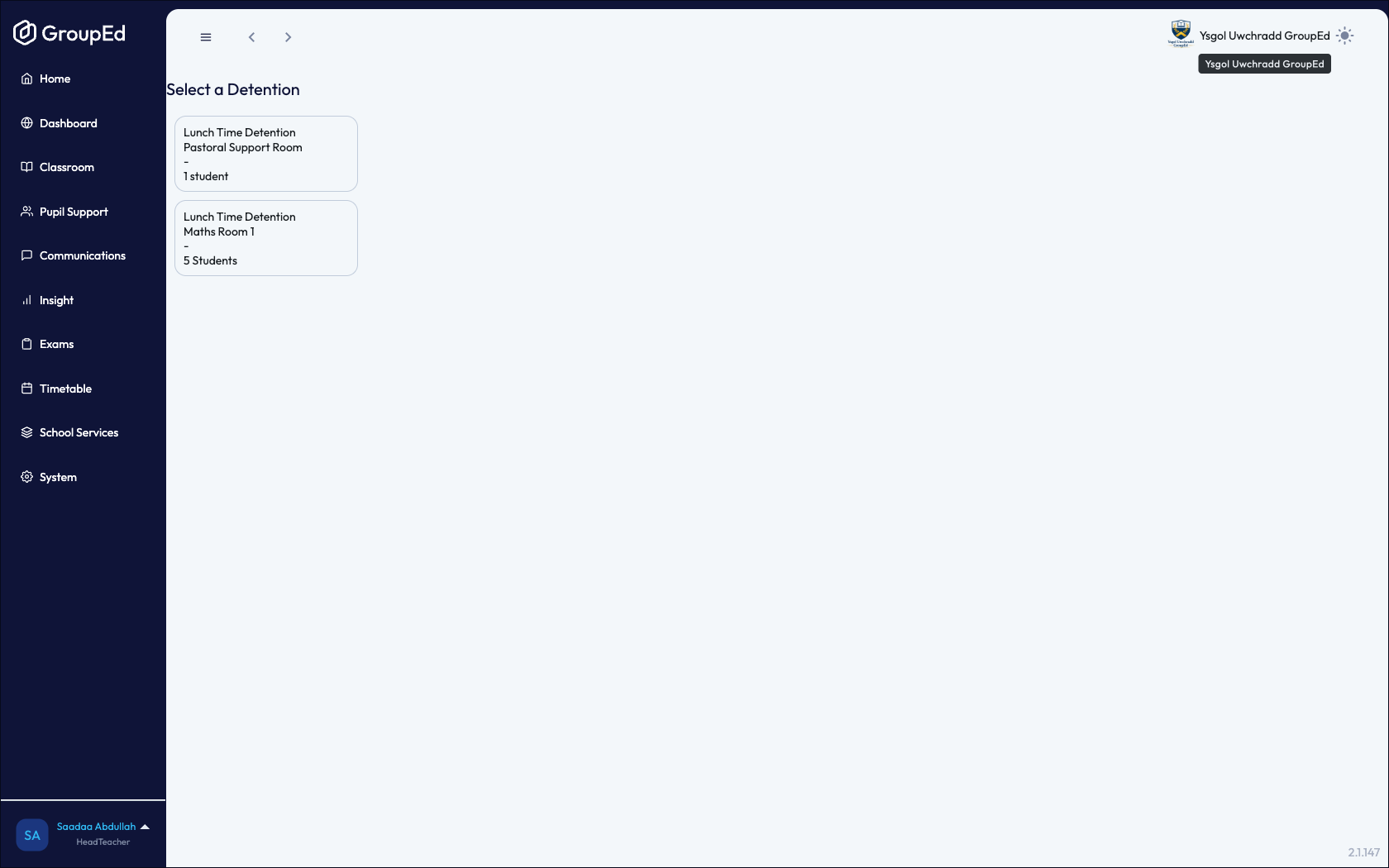
Navigate to Pupil Support → Detentions.
Select the detention session from the list. The student register loads.
For each student, click the attendance button to mark them Present or Absent.
Click Submit. A confirmation message appears: Attendance submitted.
Automatic Detention Rules
If your school has automatic detention rules configured, a detention may be created automatically when a teacher records a negative behaviour against a student. The threshold — for example, three incidents in a week — is set by your school administrator in System → School Settings → Behaviour.
? Automatic detentions appear in the Detentions Register just like manually created ones and are taken the same way.
Was this article helpful?
That’s Great!
Thank you for your feedback
Sorry! We couldn't be helpful
Thank you for your feedback
Feedback sent
We appreciate your effort and will try to fix the article